
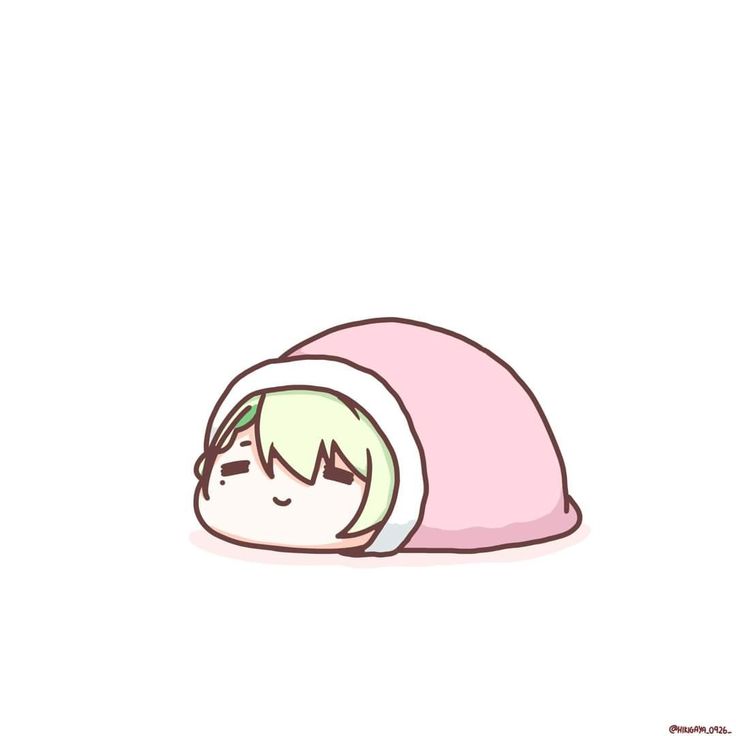
Creating Custom WhatsApp Stickers
WhatsApp users will soon be able to create and use custom stickers with ease, thanks to a new feature that allows users to make their own stickers using a variety of tools and templates.
This feature is expected to be a game-changer for WhatsApp users, who will no longer have to search for the perfect sticker to express themselves.
Benefits of Custom WhatsApp Stickers
Custom WhatsApp stickers have several benefits, including:
- Personalization: Users can create stickers that reflect their personality and style.
- Expression: Custom stickers allow users to express themselves in a more creative and unique way.
- Convenience: Users will no longer have to search for stickers, as they can create their own with ease.
According to WhatsApp, the new feature will be rolled out soon, and users will be able to access it from the WhatsApp settings menu.
How to Create Custom WhatsApp Stickers
To create custom WhatsApp stickers, users will need to follow these steps:
- Open WhatsApp and go to the settings menu.
- Click on the "Stickers" option.
- Click on the "Create Sticker" button.
- Choose a template or upload your own image.
- Customize your sticker using the available tools and templates.
For more information on how to create custom WhatsApp stickers, users can visit the WhatsApp FAQ page.
Tips for Creating Custom WhatsApp Stickers
Here are some tips for creating custom WhatsApp stickers:
- Use high-quality images: Make sure the images you use are clear and of high quality.
- Keep it simple: Avoid cluttering your sticker with too much text or images.
- Be creative: Don't be afraid to think outside the box and come up with unique and creative designs.
With these tips and the new feature, users will be able to create custom WhatsApp stickers that reflect their personality and style.
Comments
No comments yet. Be first.
Please log in to comment.